Why off-the-shelf chatbots fail and a custom AI chatbot is the only one worth building
Published March 23, 2026
This is part of our AI Knowledge Bases for Business series.
You’ve used a bad chatbot before. You know the experience. You ask a question, it gives you a scripted response that doesn’t answer it, you click through three menus trying to find “speak to a human,” and by the time you get there you’re already annoyed. A custom AI chatbot built on your actual company data is a different thing entirely. Not an incremental improvement. A completely different experience for the person using it.
I’ve built both kinds. I’ll tell you exactly why one works and the other doesn’t.
The problem with off-the-shelf
Most chatbot platforms work the same way. You sign up, you build decision trees, you write canned responses for anticipated questions, and you deploy it. If someone asks a question you predicted, great. If they don’t, the bot either gives a wrong answer or a useless one.
The failure mode is obvious: you can’t predict every question. You definitely can’t predict how people phrase them. “What’s your return policy?” and “Can I send this back?” and “I changed my mind about my order” are the same question. A decision-tree chatbot needs you to map all three variations. And those are the easy ones.
This is why most chatbots have a 40-60% containment rate at best. Meaning half the people who interact with them end up needing a human anyway. You’ve spent money on a system that handles the easy questions and fails on everything else. The easy questions weren’t the problem.
What makes a custom AI chatbot different
A custom AI chatbot doesn’t run on decision trees. It runs on your actual data. Your product information, your policies, your past support conversations, your internal documentation. All of it gets ingested, embedded, and made available for the AI to reference when answering questions.
The difference in practice: someone asks “does this work with my Karcher K5?” and instead of returning a generic “check our compatibility page” response, the bot pulls from your product specs and tells them yes, it fits K3 through K7 models, here’s the adapter they’ll need, and here’s the link. Because that information exists in your data. The bot just knows how to find it and present it clearly.
This isn’t theoretical. This is what these systems do right now, today, in production. The technology works. The question is whether yours is built properly.
Why most attempts still fail
Here’s the uncomfortable part. Even companies that try to build a custom AI chatbot often get poor results. I see three consistent reasons.
Bad data, good model
The AI is only as useful as the information it can access. If your product documentation is outdated, your FAQs are incomplete, or your policies contradict each other across different documents, the bot will reflect that mess. Garbage in, garbage out still applies. Part of our build process is auditing and cleaning the source data before we connect anything.
No retrieval architecture
Some people just dump their documents into ChatGPT or Claude and call it done. That works for small amounts of text. It falls apart at scale. A proper custom AI chatbot uses retrieval-augmented generation, where the system finds the specific relevant information for each question rather than trying to hold everything in context at once. The retrieval layer is where most of the engineering work happens.
No feedback loop
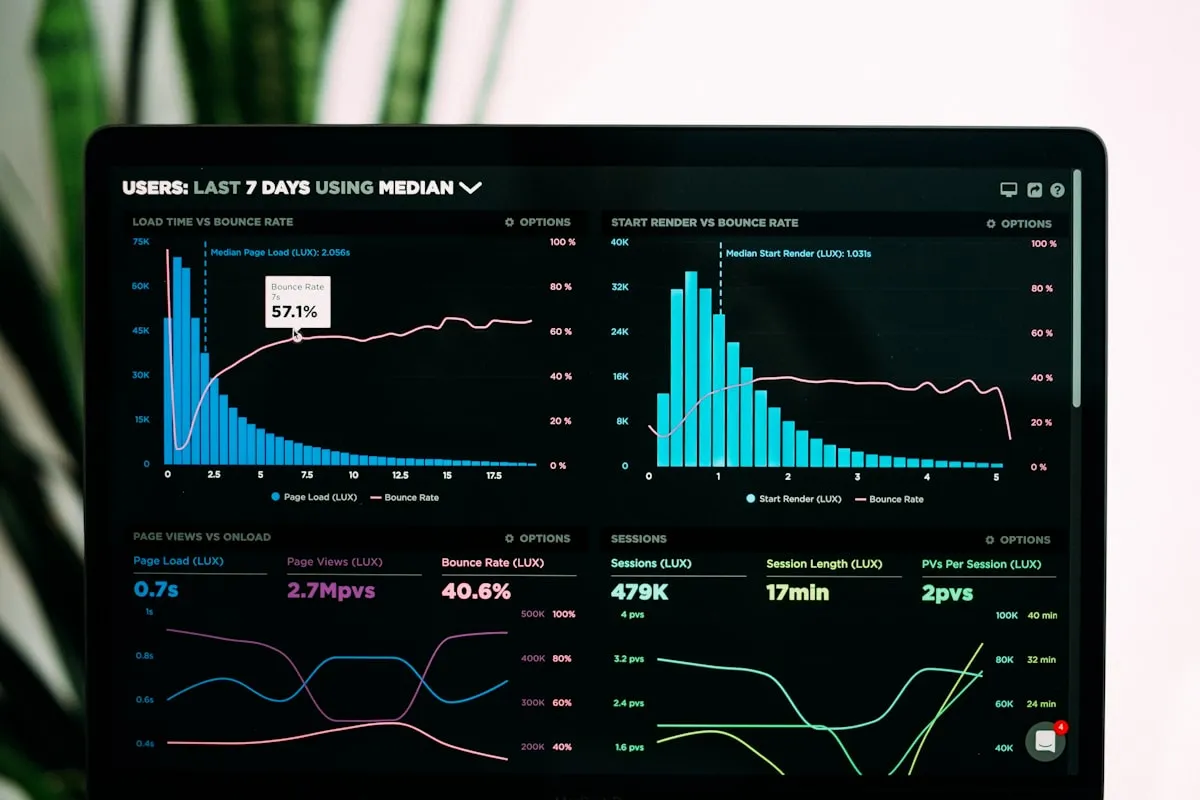
You deploy it and forget it. But customers ask questions you didn’t anticipate. Products change. Policies update. Without a system for flagging unanswered questions, reviewing accuracy, and updating the knowledge base, the bot degrades over time. The best implementations include monitoring dashboards that show you exactly where the bot struggles so you can fix it.
If this sounds like your business, let's talk about building it.
The build process
When we build a custom AI chatbot at Easton, the process has clear stages.
Discovery
We map where your information lives, what your most common customer or internal questions are, and where the current system fails. This usually takes a week and involves looking at real support tickets, real Slack messages, real sales calls.
Data preparation
We clean, structure, and connect your data sources. Sometimes this means rewriting outdated documentation. Sometimes it means creating documentation that doesn’t exist yet but should. This is the least exciting part of the project and the most important.
System architecture
We design the retrieval pipeline. Which vector database, how to chunk documents, what embedding model to use, how to handle multi-turn conversations, how to attribute sources. These aren’t decisions you make once. They’re tuned based on your specific data and use case.
Testing
We throw hundreds of real questions at it. Not test questions we made up. Actual questions from your team or customers. We measure accuracy, identify gaps, and fix them before anyone outside the project sees it.
Deployment and monitoring
The bot goes live with logging and analytics. We track what gets asked, what gets answered correctly, what gets escalated, and what gets missed entirely. Weekly reviews for the first month. Monthly after that.
What it costs vs what it saves
I’ll be direct about economics because this is where companies get stuck. A proper custom AI chatbot build runs between $5,000 and $25,000 depending on complexity. Data sources, conversation volume, number of integrations. That determines scope.
What it saves: most of our clients see 60-80% reduction in repetitive support queries within the first month. For a company handling 500 support tickets a month where the average handling cost is $8-15 per ticket, you’re looking at $2,400 to $6,000 per month in direct savings. The build pays for itself in one to three months.
But the bigger value isn’t cost reduction. It’s speed. Your customers get answers in seconds instead of hours. Your support team handles the complex, high-value interactions instead of answering “what are your hours?” for the 400th time. Your best people do better work because they’re not drowning in repetition.
The real question
The question isn’t whether AI chatbots work. They do. According to Gartner research, organizations that implement AI-powered chatbots properly see significant improvements in customer service efficiency and satisfaction scores. The question is whether you build one that’s actually trained on your business or you buy a generic tool that handles the easy stuff and fails on everything else.
Every company I talk to has already tried some version of the generic approach. They installed Intercom or Drift or Zendesk’s bot, set up some flows, and watched customers click straight through to “talk to human.” That experience makes people skeptical of chatbots entirely.
A custom AI chatbot built on your data isn’t the same category. It’s the difference between giving someone a script and giving them expertise. If you want to see what it looks like built on your actual information, we should talk.
Frequently asked questions
What is a custom AI chatbot?
A custom AI chatbot is an AI-powered conversational interface that is built using your company’s own data, such as product information, policies, and support conversations. It is designed to provide personalized and accurate responses to customer questions, unlike off-the-shelf chatbots that rely on scripted responses.
How much does a custom AI chatbot cost?
The cost of building a custom AI chatbot can vary widely depending on the complexity of your business, the quality and availability of your data, and the scope of the project. In our experience, a well-designed custom AI chatbot typically costs between $50,000 to $150,000 to build and launch, with ongoing maintenance and hosting fees.
How long does it take to build a custom AI chatbot?
The timeline for building a custom AI chatbot can also vary, but generally, it takes 3-6 months to go from the initial planning and data assessment phase to a fully functional chatbot. This timeframe allows for proper data preparation, model training, and integration with your existing systems and workflows.